There are lots of techniques for getting into Internet streaming TV networks, such as Amazon Prime Instant Video, Hulu Plus, and Netflix. But the single best & convenient way you can stream with is Roku.
All the big streaming media names are available on Roku and currently it offers thousands of choices on the Roku Channel Store.
What we will discuss in this blog?
- What is Roku all about?
- Some common features of Roku
- Why you choose Roku?
- What things you can do with Roku?
- How does Roku works?
- Is Roku product available for all budget?
For those who dont know What’s Roku?
Roku is a streaming media player, which simply implies it takes content from the Internet and displays it on your TV Screens. Roku comes in six models, differentiated accordingly by performance and functionalities. However, all models can access all 3500+ Roku channels.

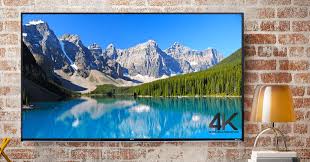
Roku has the biggest current lineup, with a total of six models across a wide range of prices and features. The Roku Streaming Stick and Premiere+ stand out as the top choices, for respectively offering an affordable package with a point-anywhere remote and 4K capability.
List of some other features that are common to all the models of Roku:
- Full 1080p HD support
- Shortcut buttons on the remote for popular channels, e.g. Netflix, Hulu, HBO GO, etc
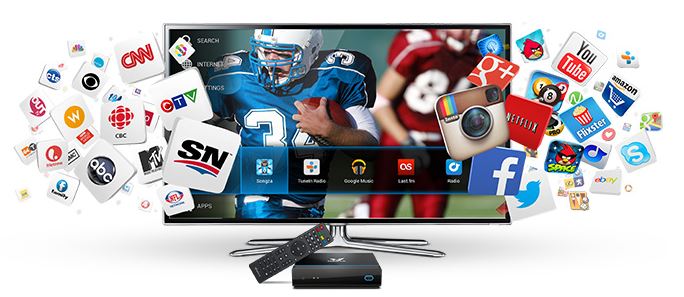
- Explore across multiple content providers
- Mobile app are also offered for casting personal media to your TV and provides remote capabilities
- Delivers an ability to utilize the app in sites where you need to log into Wi-Fi like hotels & dormitory.

7 Reasons of choosing Roku among Other Internet TV Streaming Box
Undoubtedly, there are plenty of alternatives of media streaming devices, but here are six reasons of choosing Roku as a Best Internet TV Streaming Box.
-
It’s Affordable
The Roku players are reasonably priced. The cheap and best prices ranges from $49.99 for the Roku LT and go up to the top-of-the-line Roku 2 XS for $99.99.

The LT model is the inexpensive of all the mainstream Internet TV devices, but still you can access to all the TV channels. Additionally, it supports 720p HDTV.
-
It’s Tiny
Due to small size of Roku, it is portable in nature and can be placed almost anywhere. In fact, you can easily hang it off the back of your television.
-
It’s EASY to use
Long ago in the olden days, hooking your TV to the Internet was a nightmare. But, with roku anybody can do it easily.
Now-a-days, setup becomes easier with Roku box. You can easily plug it in and hook to your network. Login to your channels and start watching TV.
-
It’s Quiet
Unlike of other optical drives and mechanical hard drives which are sources of noise in media centers, Roku doesn’t have an optical drive and uses flash memory.
There’s no fans inside it that moves, which clearly means it produces absolutely no noise. It also delivers some advantages summarized below:-
- Low power use
- Low heat generation
- No fans are required
- No noise production
-
Support for Internet TV & Private TV Channels
Unlike other streaming box supports Netflix, Roku supports more than 600 internet TV channels.
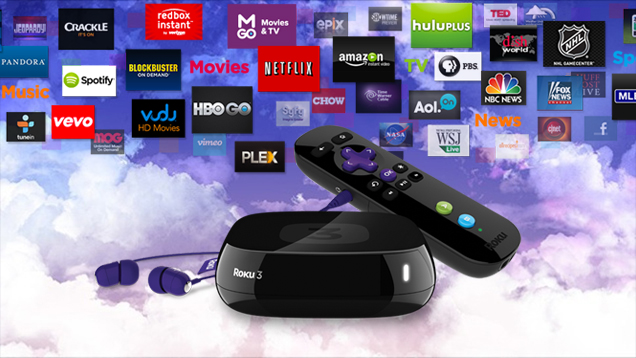

What is more? Roku has some other benefits:
In addition to the public networks, Roku lets individual put up their own “private” channels, TV streams that aren’t scrutinized by Roku.
Exciting TV watchers can explore about anything on these cluster of channels.
-
It’s Great Content Support
It’s quite easy to access certain content on almost any media center, but many of them are lacking behind.

Roku is considered to be blessed with trinity of streaming video content – Netflix, Hulu Plus and Amazon. If you subscribe to all of these, you’ll have access to a surplus amount of amazing media content at an affordable price.
-
It’s Excellent Image Quality
After purchasing Roku, you will never have a skepticism about its image quality. Undoubtedly, it displays 1080p fine images smoothly.
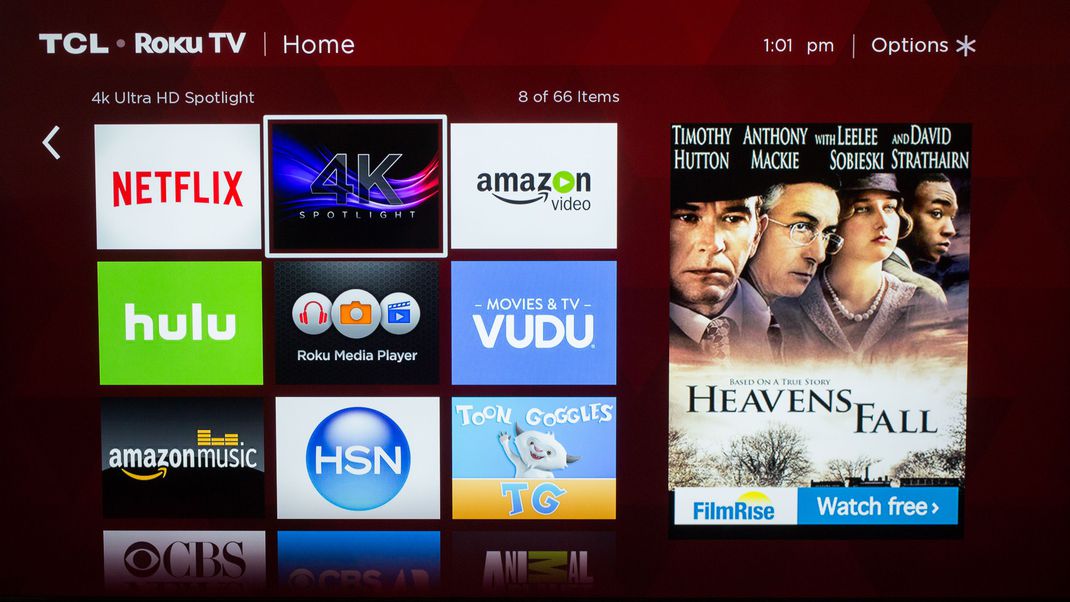

Set up the device and immediately log in to Netflix and play one of your favorite HD movies. The scene will look amazing in HD but is also bangs at a blistering stage.
List of thing you can do with a Roku
-
Watch Streaming Videos
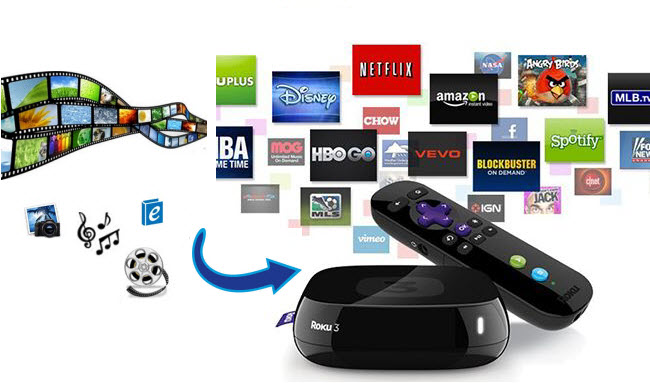
Roku offers more than 2,500 channels in their public directory, including the top ones for movies and TV programming: Netflix, Amazon Video, Hulu, Google Play, etc.


This is the reason, Roku is a biggest differentiator in the field of Internet TV Streaming Devices.
-
Listening to Streaming Audio
Roku serves for lots of music facilities as well, including Amazon Music, Pandora, Spotify, iHeart Radio, and Sirius XM.

-
Play Games
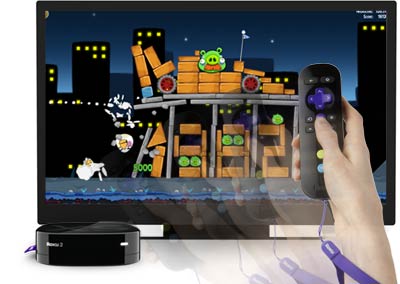
There are numerous free and paid games available to play with Roku players, comprising of highly popular ones like Angry Birds Toons, Sudoku, and Jeopardy.

Important Notes about Roku Channels
The reason behind lots of people buy roku is that it displays numerous Premium Channels. Beside this, there are also available free channels to use with the media players.

It also offers some extremely popular services like Pandora for music and Facebook to view your photos and videos on your TV.
Ruko: How Does It Work? Just walk through 4 Simple Steps
Basically, the process for setting up the Roku is similar to any streaming media player, with one add-ons:
Step#1: Connect the Roku to your TV and plug it in. Adjust the input on your TV for the port which you’re using.


Step#2: Connect the Roku to the Internet. The Roku has an on-screen wizard to take you to the steps to get connected.


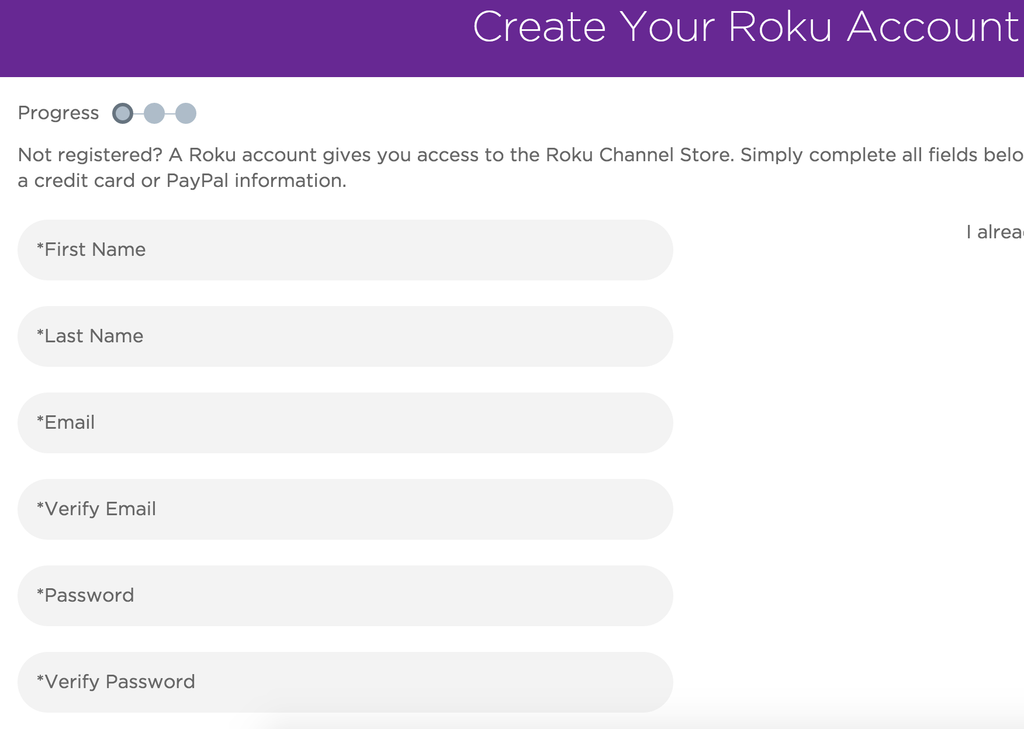
Step#3: Sign up for a Roku account. This is the additional step, as Amazon Fire TVs and Apple TVs come pre-registered to your existing accounts with those companies.

Step#4: Connect with the content providers you desire to watch/use.
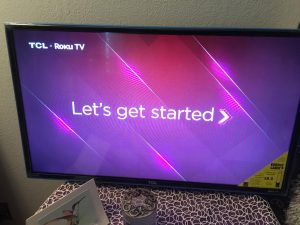

Roku Product is Available for Every Budget
If you have decided to invest in an Internet Streaming Box, Roku is the right choice for you. Find the Roku streaming player which suits your budget and requirement.


Get exciting offers with Roku Streaming Stick, Roku Premiere or Roku Premiere+
Still having trouble in playing Roku?
Just dial our Customer Support Team, we will let you know if there are reported issues with service.